Keep work, home and travel receipts apart with Spaces
Spaces are separate books inside the app. Create one for your business, one for the household and one for each trip, and every receipt, item and report stays in its own place.

Free download for iPhone and iPad.
Subscription required to scan.
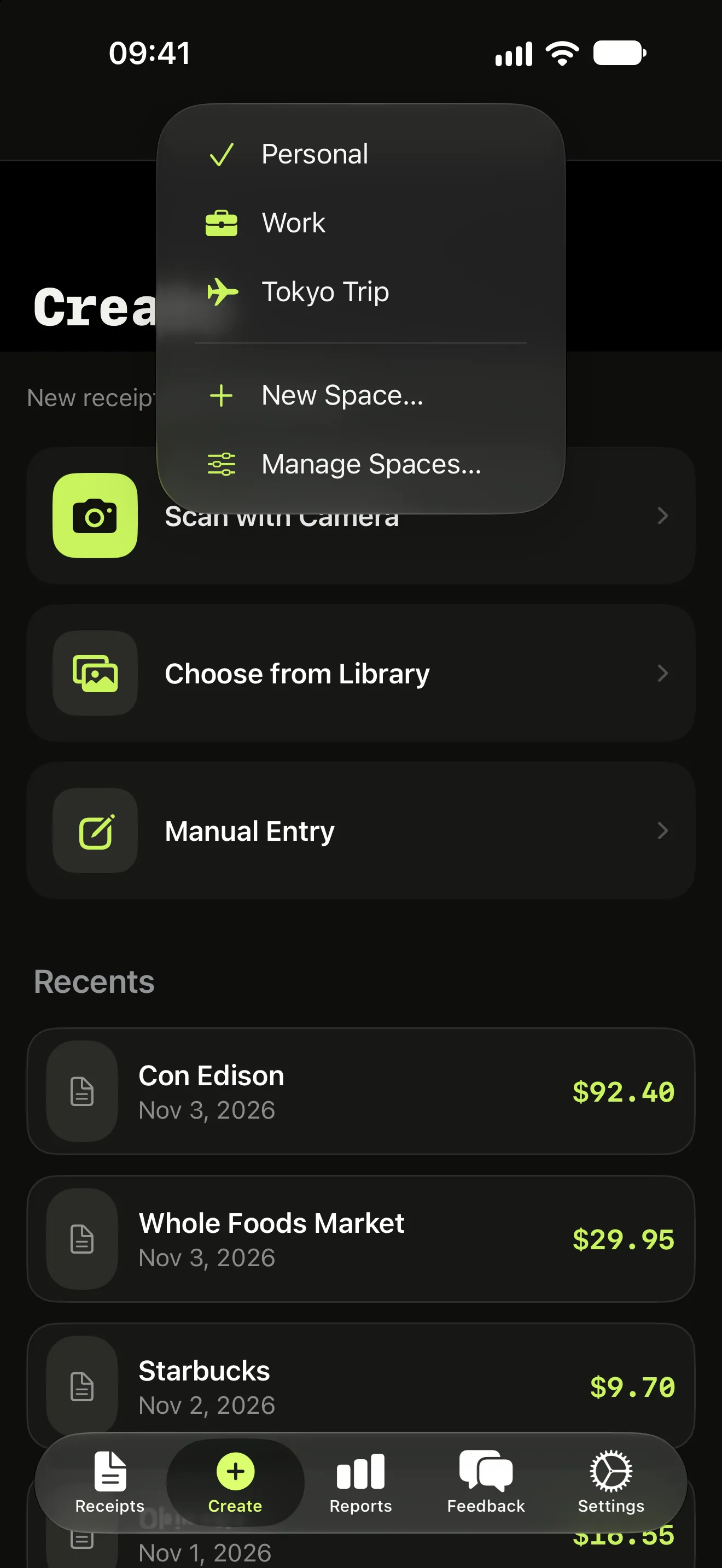
One app, separate budgets
Switch Space before you scan and the receipt lands where it belongs. Your business receipts never mix with the family grocery budget.
Mixed receipts, split by item
Because Itemize AI reads each line, one receipt can hold business items and personal items. Printer paper goes to work, the birthday card stays personal, and both come from the same scan.
More features
Itemize AI / Features / Spaces
Questions (1)
What Spaces should I create?
Start with the way you already split money: Work, Home and Travel are the most common setups.
Scan your next receipt and see every item.
Free to download for iPhone and iPad. A weekly or yearly subscription unlocks scanning.